
Every day, there is more technology news than I have time to read. I follow artificial intelligence, hardware, software, and the companies building the next generation of computing—but I do not necessarily want to read an entire newspaper to find the handful of stories that matter to me.
So I built an agent to do that work for me.
It picks up a Wall Street Journal PDF through Telegram, finds the articles related to AI and technology, summarizes the relevant stories, and sends a clean, organized digest to my email inbox.
The interesting part is where the AI runs: on my own PC, using Hermes Agent and the Bonsai 2 27B local model, with an NVIDIA GeForce GTX 1080 Ti—a graphics card launched nearly a decade ago.
No cloud-hosted language model. No per-token API bill. Just open-source tools, local inference, and hardware I already have.
The idea: read less, learn more
I wanted a simple daily workflow: give an agent a newspaper, tell it which topics I care about, and receive an email containing only the articles worth my attention.
My focus is deliberately narrow: artificial intelligence, technology, computer hardware, and software. Business news can make the cut when it has a meaningful connection to those topics—for example, investment in AI infrastructure, chips, or enterprise software.
The output should be more useful than a list of headlines. For each selected article, I want the title, a short summary, and an explanation of why it matters. I also want a digest that is easy to scan in an ordinary email client.
The setup: an agent, a model, and an old GPU

There are two main open-source software pieces in my setup.
Hermes Agent handles the workflow. It provides the agent environment and the ability to use tools, connect steps, and carry out the task rather than merely answer a single prompt. In my case, the agent needs to collect a file, process its contents, build a digest, and deliver it.
Bonsai 2 27B is the local language model doing the analysis. It reads the extracted newspaper text, helps identify relevant coverage, and turns that material into a concise digest. The model's 27B designation refers to its parameter count—not the GPU memory required to run a particular quantized version.
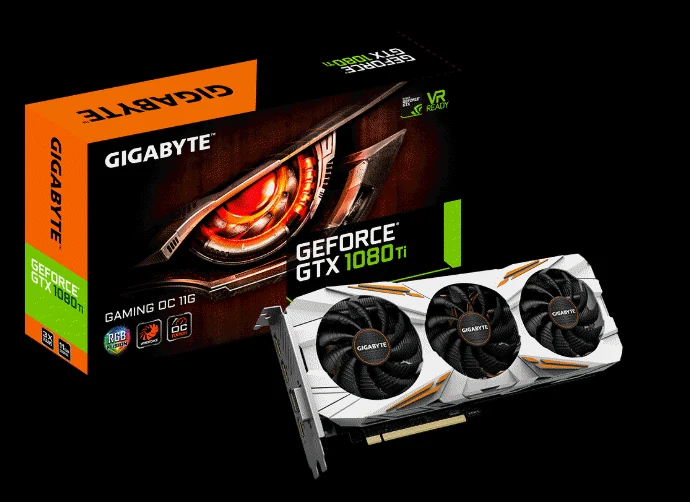
I am running this on a PC with an NVIDIA GeForce GTX 1080 Ti, a GPU originally released in 2017 with 11 GB of VRAM.
That detail matters. A modern flagship GPU is not a prerequisite for every useful AI application. Model compression, quantization, and the right inference configuration can make large models usable on older hardware. The exact speed and memory demands depend on how the model is loaded and whether any work is offloaded to system RAM or the CPU; this is not a claim that all 27 billion parameters fit uncompressed into 11 GB of VRAM.
For a task like a daily news digest, I care much more about reliable output than generating a response at the fastest possible speed.
How the daily workflow works
The pipeline is straightforward:
Telegram → Wall Street Journal PDF → text extraction → topic filtering → AI summaries → formatted email
1. Collect the newspaper through Telegram
Telegram is my entry point. The agent connects to my Telegram workflow and retrieves the PDF of the Wall Street Journal issue I want to process.
This means I can use a familiar messaging app as the front door rather than manually copying text into an AI interface. The newspaper itself still needs to come from a source I am entitled to access.
2. Extract the articles from the PDF
A newspaper PDF is not the same as a clean article database. Pages may contain multiple columns, headlines, captions, tables, advertisements, and stories that continue elsewhere.
The workflow first extracts text from the PDF and prepares it for analysis. This is an important separation of responsibilities: PDF extraction gets the content out; the language model decides what is relevant and summarizes it.
3. Filter for AI, hardware, and software
Next, the local model reviews the extracted content and selects articles that match my interests. It looks beyond literal keywords, because an article about a company's capital spending or a new data center may be important AI news even if the headline does not say “artificial intelligence.”
Likewise, a general business story does not automatically belong in the digest. The goal is a focused reading list, not another overwhelming inbox.
4. Write a digest, not a data dump
For each selected story, the agent produces a compact entry with the article title, a summary, and a “Why relevant” explanation.
This last field is especially helpful. It turns a collection of article summaries into a personalized briefing: not just what happened, but why I might care.
5. Deliver the results by email
Finally, the agent assembles the selected entries into a readable email and sends it to me.
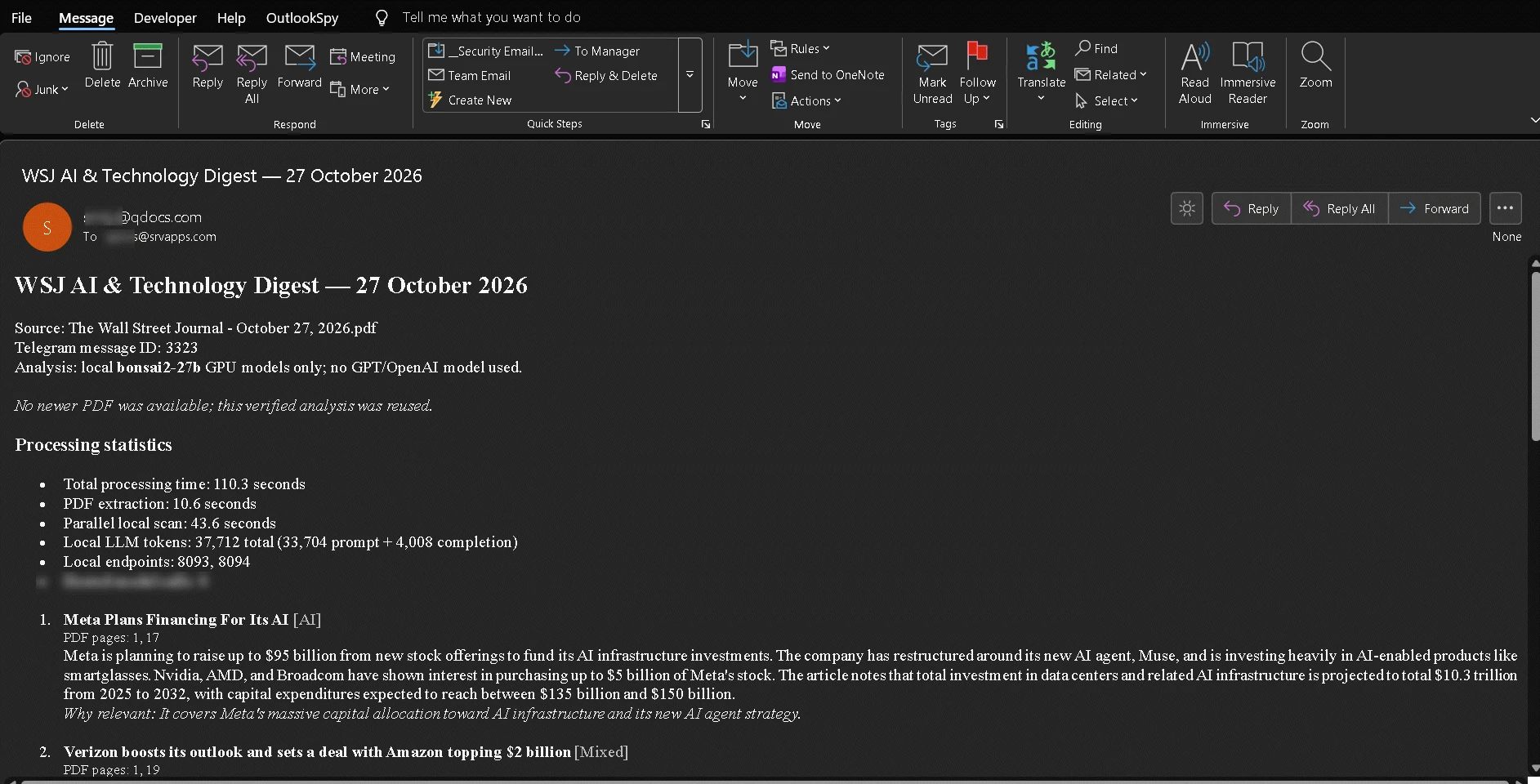
The example above shows a digest for October 27, 2026. It includes source information, selected articles with PDF page references, and the explanation of why each item is relevant. It also shows processing statistics—useful for understanding what happened under the hood.
Instead of opening an entire newspaper and searching for topics, I open one email and have a curated starting point for the day.
What the first results look like
One of the sample runs produced an email titled “WSJ AI & Technology Digest — 27 October 2026.” The visible output included an AI-infrastructure story about Meta and a mixed technology/business story about Verizon.
The digest also reported some practical measurements:
- 110.3 seconds total processing time
- 10.6 seconds for PDF extraction
- 43.6 seconds for the parallel local scan
- 37,712 local model tokens recorded in that run, including 33,704 prompt tokens and 4,008 completion tokens
Still, they illustrate the point: a task that combines retrieval, document processing, relevance analysis, and email delivery can be useful without requiring cloud AI inference.
Hermes Agent makes it more than a chatbot
A language model alone can summarize text that you paste into a chat. An agent can connect the steps surrounding that task.
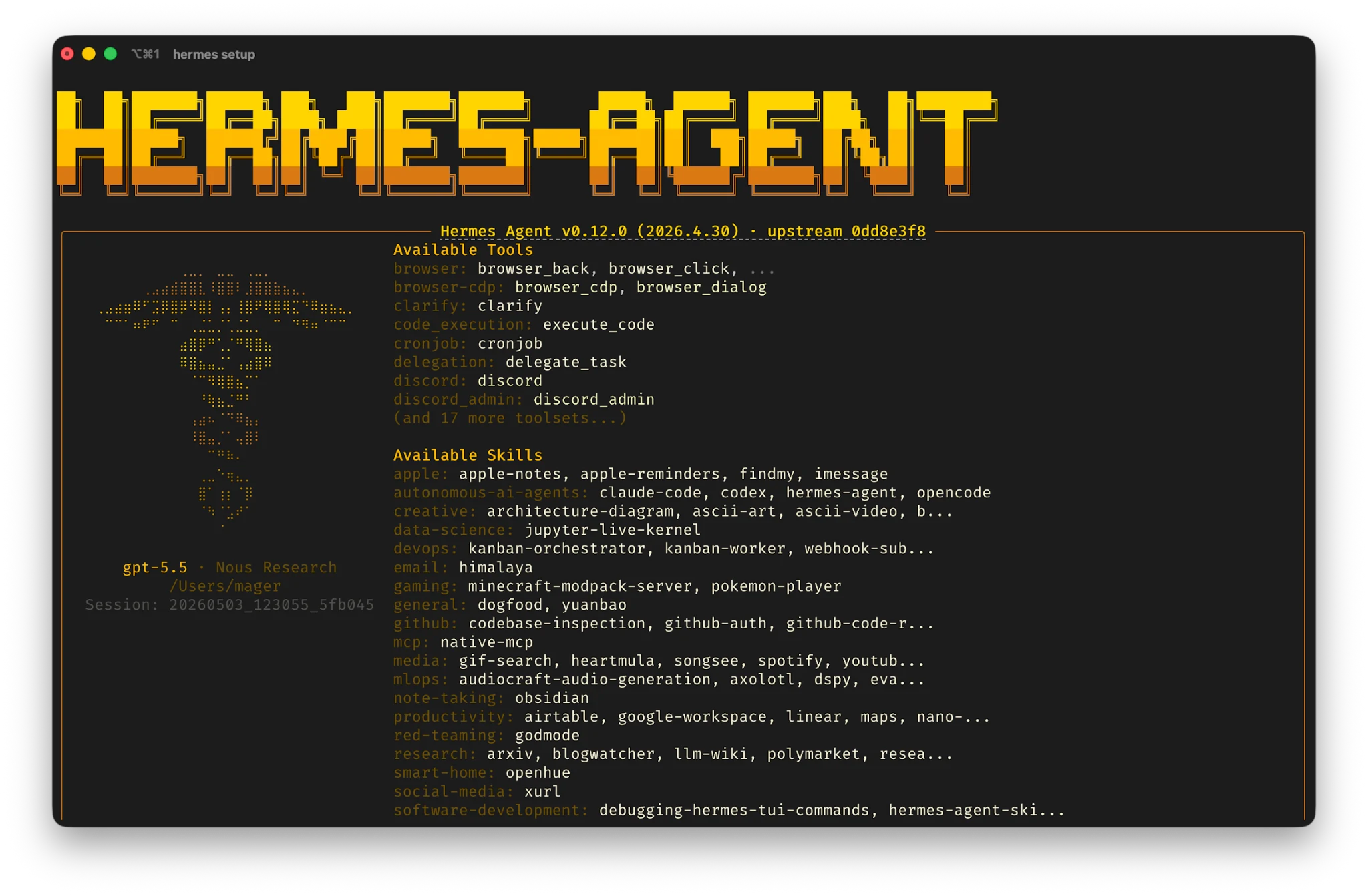
Hermes Agent is the orchestration layer in my build. Its tool-oriented environment is what makes the workflow possible: receiving or retrieving an input file, handing extracted content to the local model, and triggering the delivery step.
That is the part I find most exciting. I do not need to interact with the model for every newspaper issue. The useful outcome is the completed workflow, not the chat window.
The best part: no paid AI API
Both of the main AI components I use are available as open-source software, and inference happens on my own machine. I am not paying an AI provider every time the agent reviews a PDF or produces a digest.
There is an important distinction between free local AI processing and a completely offline, zero-cost system. Telegram and email still use network services; the newspaper may require a paid subscription; and my PC consumes electricity. But the part that would normally generate a recurring language-model API bill runs locally on hardware I already own.
That makes the project particularly attractive for repetitive personal tasks. If I want to process a newspaper every day, I do not have to treat every model call as a metered cloud request.
Local processing can also reduce the amount of document content sent to external AI providers. It is not automatically a privacy guarantee, however: the messaging, email, logging, and document-handling steps still deserve attention.
Why the GTX 1080 Ti story matters
The GTX 1080 Ti is the unexpected hero of this project.
It was a high-end graphics card when it launched, but it belongs to a very different generation from today's dedicated AI accelerators. Yet it still contributes to a useful end-to-end workflow with a 27-billion-parameter model, depending on the model's quantization and the system's memory configuration.
This challenges an easy assumption about local AI: that you need to spend thousands on new hardware before you can do something productive.
Of course, there are limits. Complex PDFs can be messy to extract. Long articles can strain context windows. Local model summaries can miss details or make mistakes, and older GPUs impose performance constraints. For that reason, the digest is a reading aid—not a replacement for checking the original article when accuracy matters.
But for my daily use case, the trade-off makes sense. I do not need a giant cloud infrastructure to save time reading technology news.
Archive to QDocs: turn a daily digest into lasting knowledge
The QDocs archive is an important part of the project. News is useful on the day it arrives, but it can be even more valuable weeks or months later—when I am researching a company, comparing developments, or trying to remember where I first read about a technology.
Because the agent sends the digest to my email and then archives it to QDocs via it's API, I get both convenience and continuity. I can skim the email when it arrives, then rely on QDocs as a searchable reference instead of losing useful information in my inbox.
Over time, those daily digests become a personal knowledge base built around exactly the topics I follow: AI, technology, hardware, and software. The aim is not just to keep up with news but to make what I have already learned easy to find again.
Small hardware, useful AI
This project is a reminder of what makes local AI interesting to me. It is not only about benchmarks or the latest model releases. It is about building small systems that solve an actual problem.
I combined Hermes Agent, Bonsai 2 27B, Telegram, and a nearly decade-old GTX 1080 Ti to build a personal newspaper assistant. It collects a PDF, filters the articles I care about, explains why they matter, delivers the result to my inbox, and saves to QDocs for future reference.
Open-source AI. Local inference. No per-token cloud AI fees. And an old GPU still doing useful work.
That is the kind of practical AI project I want to build more of.